2026-09-18 · Friday Report Team
Quick Summary / Key Takeaways
● Shift the focus to decisions. Traditional project status updates often read like a list of completed tasks, which is helpful but insufficient for leadership. A decision-oriented approach highlights what changed and what requires immediate attention.
● Highlight exceptions and risks. Instead of summarizing every activity, project management reporting should surface emerging risks and scope deviations. This reduces noise and helps executives focus on areas where their intervention is actually needed.
● Leverage historical context. Understanding project health requires comparing current data against previous reporting periods. Contextualizing changes in schedule, budget, and resources provides a clearer picture of trajectory.
● Utilize intelligent automation. Implementing project status report automation helps synthesize raw data into actionable insights. AI project reporting can instantly detect budget drift and overdue tasks without replacing human oversight.
● Empower project managers. When routine data collection is automated, project managers can focus on interpreting signals and guiding strategy. Their judgment remains critical in translating automated insights into business outcomes.
Introduction
Many project status updates simply explain what the team completed during the reporting period. While this activity log provides a baseline of progress, leaders often need a different layer of insight to guide their portfolios. They need to know what changed since the previous update and whether those changes affect final delivery.
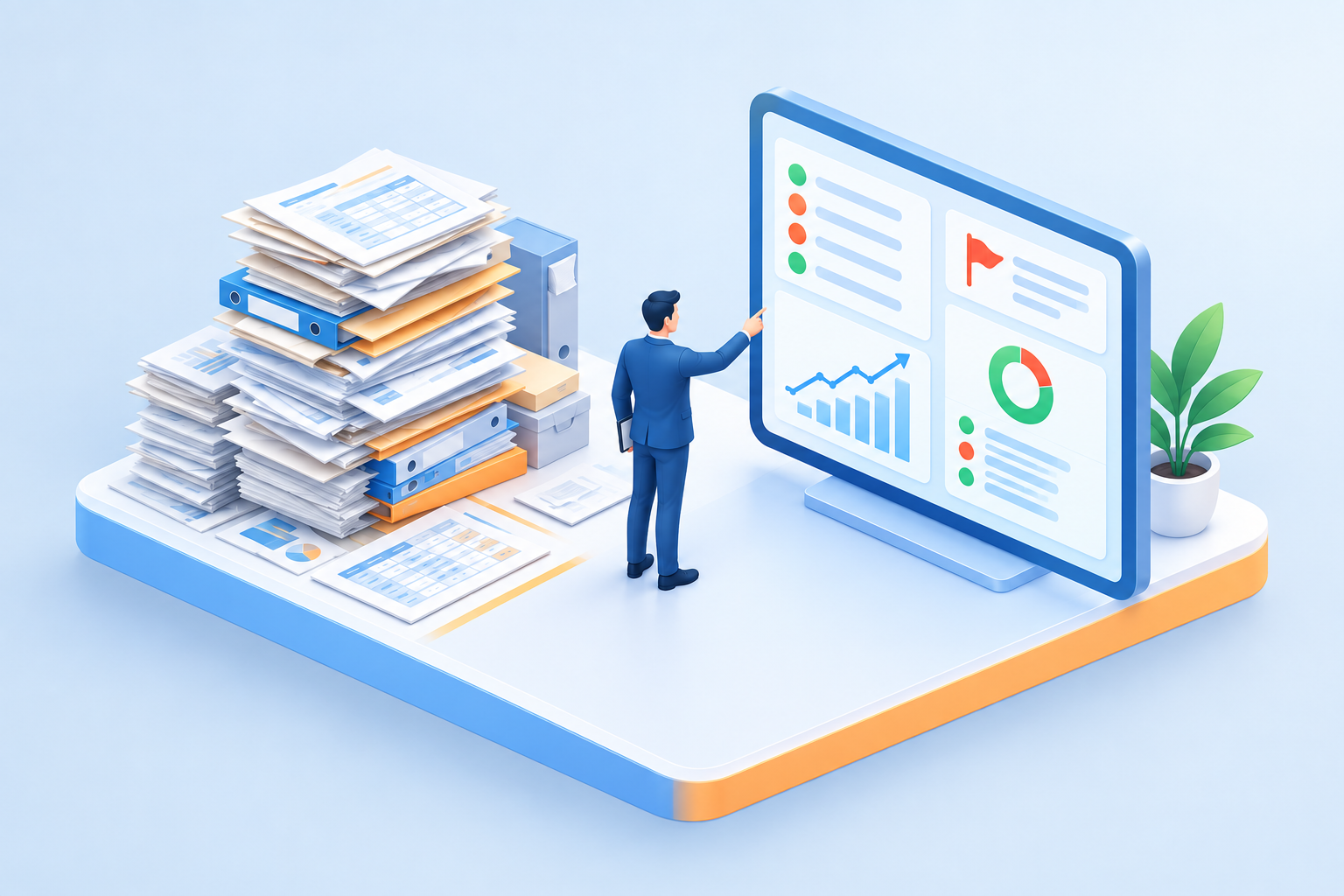
When PMO reporting focuses exclusively on task completion, it forces executives to hunt for the actual risks hidden within the data. A more effective model centers on exceptions, movement, and items requiring immediate attention. This decision-oriented approach transforms routine documentation into a strategic asset.
By integrating AI project reporting tools, organizations can automatically compare new project information against previous updates to surface meaningful changes. This allows project managers to spend less time formatting spreadsheets and more time interpreting data to drive operational success.
project status updates | project update reporting / status report templates / executive project updates |
project status report automation | automated status reports / reporting workflow automation / automated project tracking strategic project reporting |
project management reporting | portfolio management reports / project health tracking / strategic project reporting |
AI project reporting | AI status summaries / intelligent project insights / AI reporting tools |
PMO reporting | PMO dashboard metrics / enterprise PMO updates / PMO performance tracking |
Key Factors Overview
Factor | Description |
Historical Context | Comparing current metrics against previous periods to identify trends and slippage. |
Decision Prompting | Structuring updates to clearly outline what choices leadership needs to make. |
Data Synthesis | Using technology to aggregate inputs from multiple systems into a unified view. |
Human Judgment | Applying project manager expertise to interpret automated insights and context. |
Before : Launch Checklist
● Review the activity list. Ensure you are not just pasting a log of completed tasks into your document. Ask yourself if the listed activities actually impact the overall project timeline or budget.
● Identify missing context. Check if your update explains how current progress compares to the previous week. Without this context, stakeholders cannot gauge momentum or spot gradual delays.
● Locate hidden risks. Scan your draft for buried issues that might require executive intervention. Risks should be front and center, not hidden at the bottom of a task list.
● Assess manual effort. Calculate how much time you spent gathering data from different spreadsheets and tools. If it took hours, your process is likely ripe for project status report automation.
After : Follow-Up Checklist
● Elevate the exceptions. Confirm that your report immediately highlights any changes in scope, budget, or resources. Stakeholders should see what went wrong or changed before they see what went right.
● Clarify required decisions. Ensure every escalated issue includes a clear request for leadership action or guidance. Vague warnings are less helpful than specific decision prompts.
● Validate automated insights. Review the outputs generated by your AI project reporting tools for accuracy and tone. Your professional judgment is necessary to ensure the narrative aligns with reality.
● Tailor the delivery. Verify that the level of detail matches the audience consuming the report. Executives need high-level impact summaries, while department heads may need more granular dependency tracking.
Frequently Asked Questions
SECTION: The Shift to Decision-Oriented Reporting
FAQ 1: Why is an activity log insufficient for project status updates?
An activity log only tells leaders what happened, not what matters or what needs to change. It forces decision-makers to sift through routine tasks to find critical issues.
When reports focus solely on completed work, they often mask underlying problems like budget drift or scope creep. Leaders need to understand the impact of recent activities on the overall project health, rather than just verifying that people were busy. Shifting away from task lists helps teams focus on outcomes and strategic alignment.
Real Results: A technology firm replaced their weekly task summaries with exception-based reports, reducing executive review time by half while increasing the speed of critical resource allocations.
Takeaway: Effective reporting highlights the implications of work rather than just the completion of work.
FAQ 2: What do executives actually need from project management reporting?
Executives need clear signals on project health, emerging risks, and specific decisions required to keep work on track. They require actionable intelligence rather than raw data.
Leadership relies on project status reporting to allocate resources and manage enterprise risk. They need to know if a project is deviating from its baseline and what options exist to correct the course. According to industry insights, tailoring content to stakeholders by focusing on business impact and necessary decisions is a core best practice for effective communication, as noted in [Project status report: definition, examples, and best practices](https://monday.com/blog/project-management/status-report).
Real Results: A financial services PMO redesigned their executive dashboards to highlight only at-risk milestones and pending decisions, resulting in faster approval cycles for budget adjustments.
Takeaway: Leadership consumes reports to make decisions, so the data provided must directly support that goal.
FAQ 3: How do exceptions reduce noise in PMO reporting?
Highlighting exceptions filters out expected progress, allowing leaders to focus exclusively on deviations that require attention. This prevents critical risks from being buried under pages of positive updates.
When a project is proceeding exactly as planned, detailing every step creates unnecessary reading for stakeholders. Exception-based reporting assumes that silence equals compliance with the plan, bringing only schedule delays, budget overruns, or scope changes to the forefront. This method respects the audience's time and directs their focus to where their influence is actually needed.
Real Results: By adopting an exception-only reporting framework, a healthcare organization reduced their standard PMO report length from ten pages to two, drastically improving executive engagement.
Takeaway: Less noise in a status report means a stronger, clearer signal for the issues that truly matter.
SECTION: Leveraging Technology and Context
FAQ 4: Why does historical context matter in project update reporting?
Historical context reveals trends and momentum, showing whether a project is consistently slipping or recovering over time. A single snapshot cannot accurately convey the trajectory of complex work.
Comparing current data against previous reporting periods helps identify slow, creeping issues that might not seem urgent in a single week. For example, a task delayed by two days might seem minor, but if it has been delayed by two days for four consecutive weeks, it indicates a systemic blocker. Contextualizing these changes provides a much more accurate assessment of project health.
Real Results: A logistics company implemented week-over-week variance tracking, allowing them to spot a recurring vendor delay three weeks before it impacted the critical path.
Takeaway: Understanding where a project is going requires knowing exactly where it has been
FAQ 5: How can project status report automation surface meaningful changes?
Automation continuously monitors project systems to instantly detect and highlight budget drift, scope changes, and overdue tasks. It removes the manual effort of cross-referencing spreadsheets to find discrepancies.
By integrating with existing tools, automated systems can pull real-time data and synthesize it into a unified view. As highlighted in [Killing the spreadsheet dependency in project management: How AI makes every status report self-writing](https://blog.tato.co/killing-the-spreadsheet-dependency-in-project-management-how-ai-makes-every-status-report-self-writing), AI can evaluate changes and write clear summaries that articulate what is at risk and what decisions are pending. This ensures that reports are based on actual system activity rather than subjective recollections
Real Results: An engineering team used automated variance analysis to instantly flag a 10 percent scope increase that had previously gone unnoticed in manual weekly roll-ups.
Takeaway: Automation transforms raw system data into immediate, actionable insights without the manual overhead.
FAQ 6: Can AI project reporting operate without human oversight?
No, AI project reporting requires the judgment and context that only an experienced project manager can provide. Technology excels at data synthesis, but humans must interpret the nuances of team dynamics and stakeholder relationships.
While AI can automatically gather updates and format summaries to save time, as discussed in [How AI Can Automate Your Project Status Reports](https://www.knowledgehut.com/blog/project-management/ai-for-project-status-reports), it cannot negotiate with a difficult vendor or understand the political implications of a delayed launch. The project manager's role evolves from data gatherer to strategic orchestrator. They use the AI-generated insights as a baseline, applying their expertise to frame the narrative and guide executive decisions
Real Results: A retail PMO deployed AI reporting tools to handle data aggregation, freeing their project managers to spend 40 percent more time on proactive risk mitigation and stakeholder alignment.
Takeaway: AI provides the data and the draft, but the project manager provides the strategy and the solution.